5F DATEV
Connection to DATEV Unternehmen online (DUo) and DATEV DMS

DATEV Unternehmen Online (DUo)
Efficient collection of documents in 5F Collecto – with automatic transfer to DUo

With the 5F DUo module, you can easily collect documents from your clients via the popular 5F Collecto. Subsequently they will be automatically transferred to DATEV Unternehmen online (DUo).
5F DUo simplifies the digitalization of financial accounting (FiBu) for your firm, and your clients benefit from the user-friendliness of Collecto. Furthermore, you can synchronize your DATEV address book with 5F with just a few clicks, so that your mandates from DUo are directly available to you in 5F.
DATEV DMS
Connection with synchronization – for efficient document management
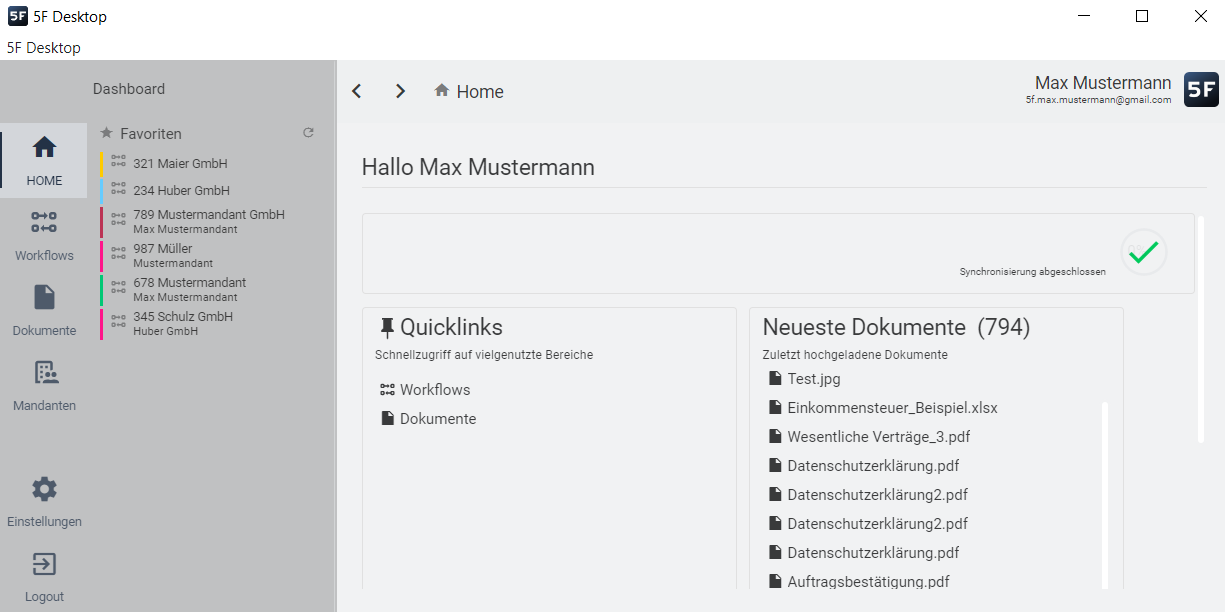
Work efficiently in 5F – have documents filed in DATEV DMS: The integration allows you to carry out your work as usual in 5F, while documents from selected workflows are transferred to DATEV DMS.
The synchronization can either be automated or initiated manually. This eliminates the need to switch between different systems, resulting in simplified workflows, improved overview and noticeable time savings.
5f DUo for an Efficient Financial Accounting (FiBu) Process within your Firm
With 5F DUo, the effort for preparatory financial accounting (FiBu) can be reduced to a minimum. Digitized documents are collected via the intuitive 5F Collecto – sorted by document types such as outgoing and incoming invoices, cash receipts, and other documents. The documents are then automatically transferred in DUo, where they can be captured and further processed. The prolonged search for documents in e-mail inboxes, tedious e-mail exchanges and telephone calls are ceased.
Time saved in financial accounting – by merging document transfer and communication in Collecto
With 5F DUo, you have the option to consolidate document collection and communication within FiBu into a single application – in 5F Collecto. If questions arise about individual documents, you can clarify them directly with your client using the comment function in Collecto. The submission of receipts by your client is fully documented and can be retraced at any time. This results in significant time savings for your firm compared to data exchange via other channels, such as email.
Positive user experience for clients of all sizes
No matter how large or small your client is – with 5F DUo, you digitize the FiBu process for mandates of any size. You not only optimize processes within your firm; your clients also benefit equally from the use of 5F DUo. Via the provided financial accounting-Collecto, which is intuitive and uncomplicated to use, your clients can simply upload the receipts via drag and drop and do not have to concern themselves with anything else. Sorted by document type, the documents automatically end up in DUo.

Three steps to digital financial accounting – simple setup and automatic document transfer
Step 1: Enable employees to use the DUo interface
As an admin, you first define via the flexible rights management in 5F which employees of your firm should be able to use the DUo interface. You grant the appropriate permissions via the admin area.
Step 2: Synchronization of the address book – import DATEV mandates to 5F
Subsequently you have the possibility to transfer your mandates from DUo to your 5F address book within a few seconds. This prevents you from having to create clients manually.
Step 3: Use of the DUo Interface for Document Transfer – via the 5f Collecto
For a client’s FiBu, you create a new Collecto in 5F. In these, your client can upload his receipts one by one. The transfer of the documents to DUo takes place automatically.